Settings reference
Company
Who can open itViewer: noOperator: noSupervisor: noAdmin: yes
The time zone the business works in, and the logo on the emails sent for it.
Where to find it
Section titled “Where to find it”Settings in the rail (Admin), then Company under Safety and company.
The panel shows its groups one under another on one page, each with a heading and a line saying what it is for. Only admins can open Settings.
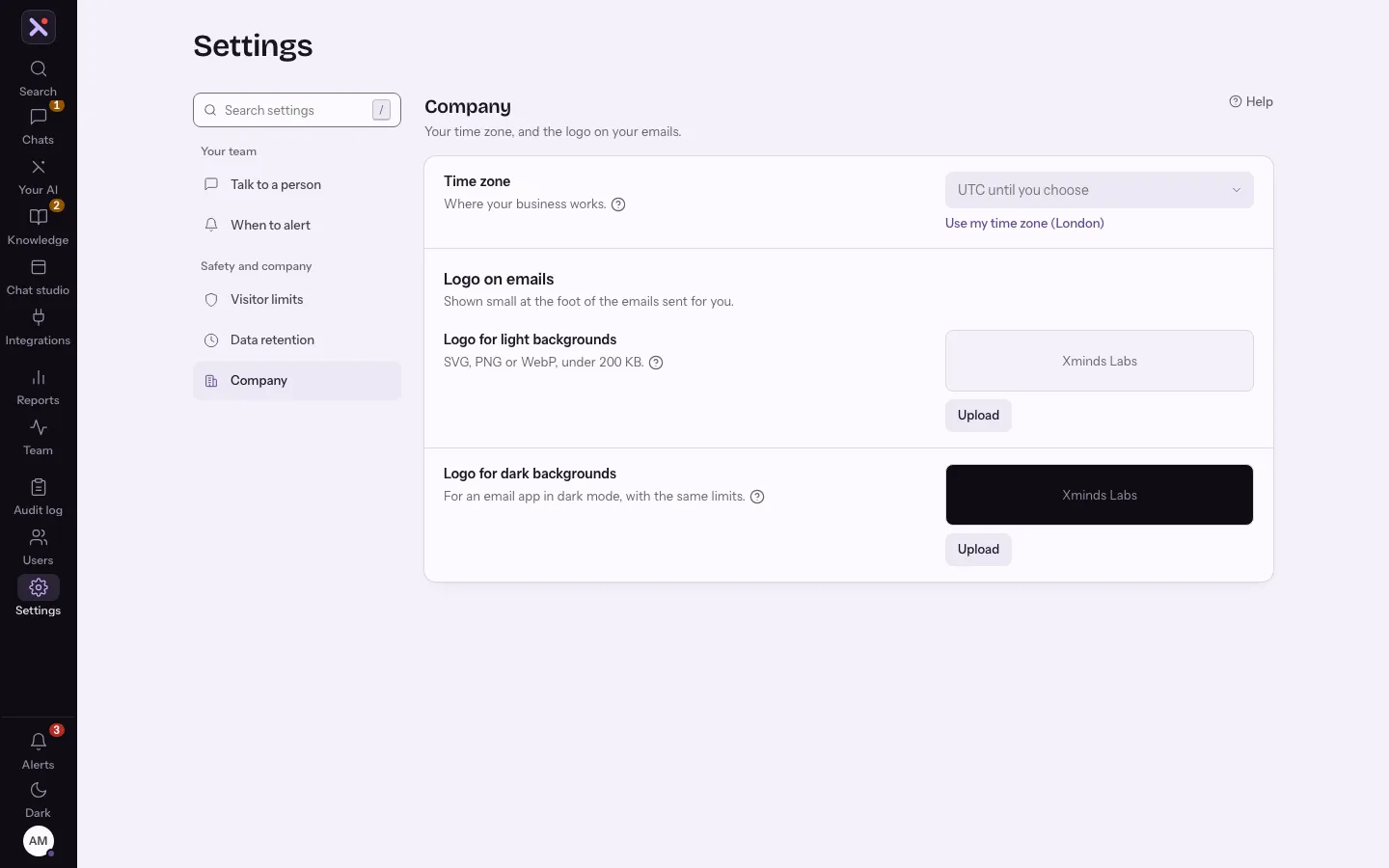
Time zone
Section titled “Time zone”| Setting | Starts as | Allowed values or range | Example | What it does |
|---|---|---|---|---|
| Time zone | blank | — | Asia/Kolkata |
Where your business works. Reports count their days from its midnight, and team hours are read in it. Empty: UTC (world standard time). Picked from a list of time zones that you can search by city, region or hours from world time. Shown whether or not your company has Talk to a person. |
Logo on emails
Section titled “Logo on emails”Two logos are uploaded in this group, one for light backgrounds and one for dark, shown small at the foot of the emails sent for your company (alerts, welcome emails and the thank-you email to visitors): an SVG file, or a PNG or WebP image at least 28 pixels tall, under 200 KB. With only one uploaded, it is used for both; with none, your company name is shown as text. The sign-in page and the dashboard never show them: those always show EveryKnock’s own name and mark.
Source files for this page
docs/SETTINGS.mdservices/api/app/settings/settings_store.py

